Content
How to create a ticket 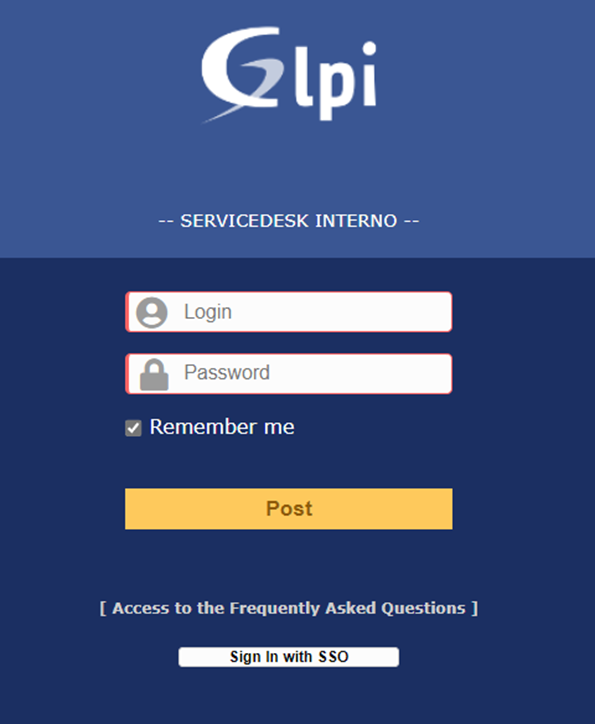
- In the top menu, select the option “Create a ticket”

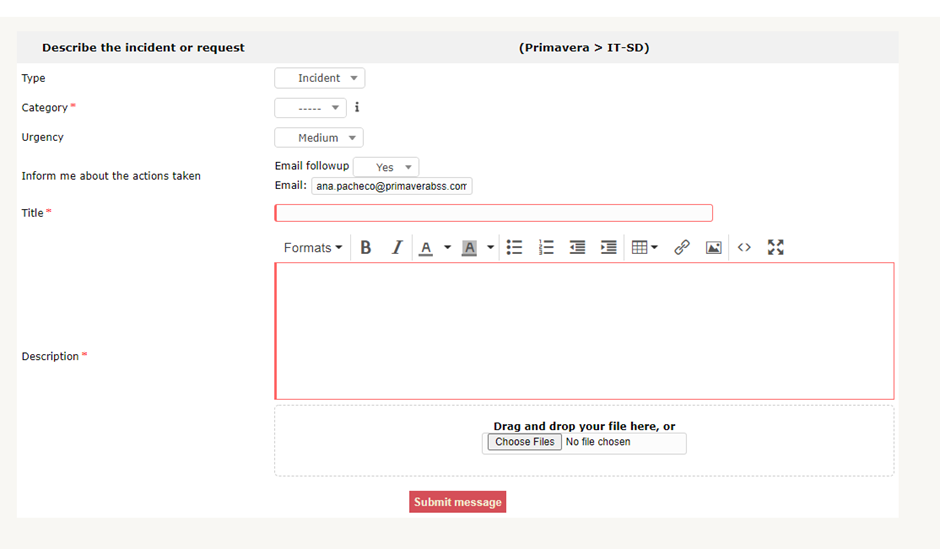
- Fulfill the form (* Required fields) and “Submit message”
- Type: Request or Incident
- Category*: select the category which best suits to your request/incident
- Urgency:
- Title*: title of the request/incident
- Description*: description of the request/incident. Detail to the maximum (you can paste images directly to the description)
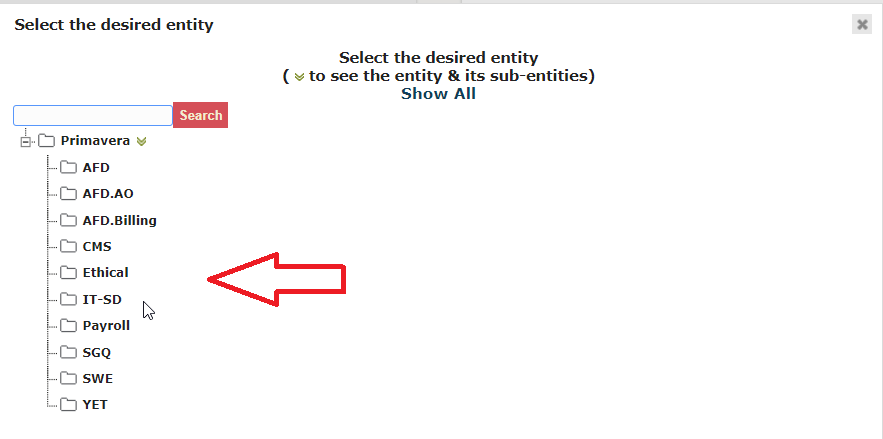
- If you need to change to another department (AFD, SGQ, ...) select the Tree structure and choose the entity you desire, by default is IT-SD.

In case the GLPI access is unavailable, you can create a ticket by sending an email to gp_ticket@cegid.com. |